Android Guide
- Open official download page and verify domain.
- Download latest package and compare version note.
- Review app permissions before first launch.
- Complete login only after confirming app identity.
Mobile app setup
Use trusted sources, confirm app details, and follow lightweight setup checks for reliable Android and iOS onboarding.
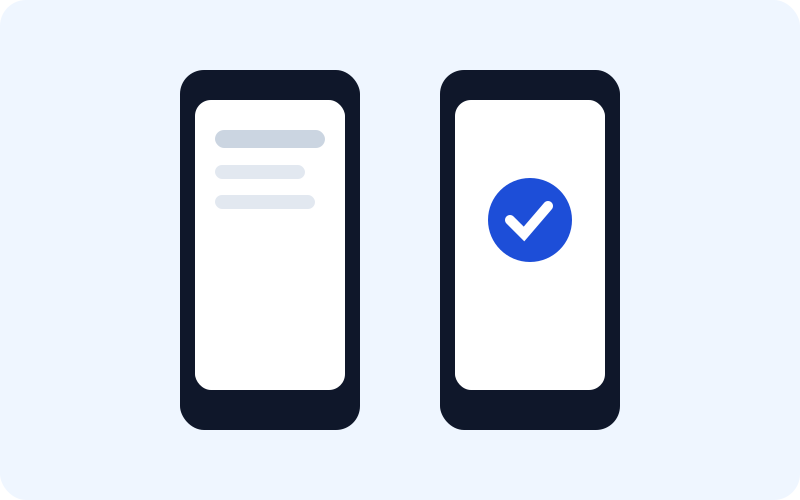
Optimized login flow with clear error handling and verification prompts.
Manage account details and password updates in a clear user panel.
Open support contact options and issue templates from one location.
Monitor unusual account activity and respond quickly with recovery actions.
Simple structure for mixed Bangla-English user journeys.
Designed for smooth behavior on entry-level and mid-range devices.
Before install, review HGZY login rules and registration checks. For ongoing tips, read the HGZY blog.
Secure sign-in flow, OTP troubleshooting, and recovery readiness.
Create an account safely with profile and password best practices.
Android and iOS setup, permission checks, and version hygiene tips.
Read practical HGZY/HAZY usage tips and support workflows.
Understand mission, scope, and educational policy of this website.
Use a clear issue format to get faster assistance from support teams.